
 Luca Giorgio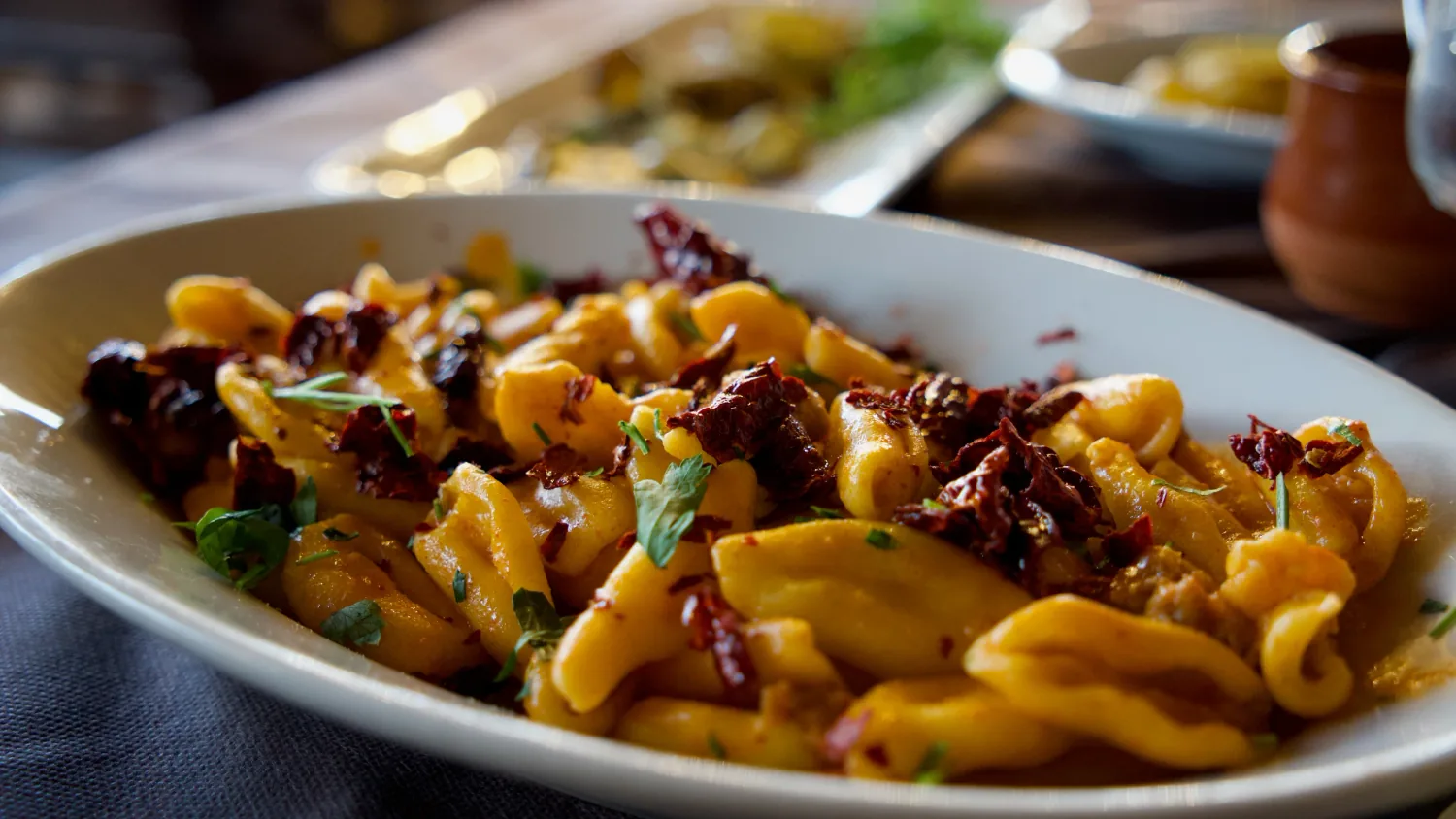
What to take away
- Make the menu, opening times and booking route easy to find.
- Show the atmosphere alongside the practical details.
- Check the whole journey on a phone, including the booking provider.
A restaurant website should make it easy to picture a visit and arrange it. Someone might arrive after seeing a photograph, hearing a recommendation or walking past the door. Their next questions are often practical: what can we eat, when are you open, where are you, and how do we book?
When I plan a hospitality website, I start with that journey. The character of the place matters throughout, but the essential information needs to be easy to find and comfortable to use on a phone.
Make the first screen useful
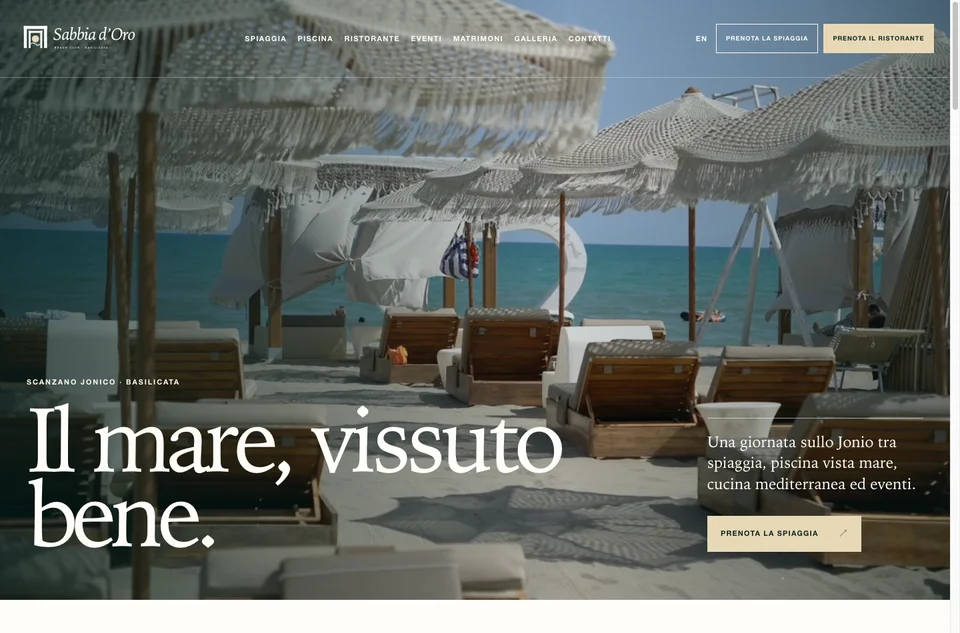
Give visitors a clear introduction: the restaurant's name, location and a short description of the food or experience. “Seasonal cooking in the centre of Matera” creates a more concrete starting point than a broad claim about unforgettable moments.
Keep the menu and the main booking action easy to reach. If you accept walk-ins only, say so and explain how guests should plan their arrival. A button should describe what happens next: “Book a table”, “Call to book” or “Send a booking enquiry”.
Offer a menu people can actually read
Show enough of the menu to help guests decide whether the restaurant suits their plans. Organise dishes clearly and include current prices where you publish them.
Text on a webpage is a useful starting point because it can adapt to smaller screens. A downloadable menu can sit alongside it. If the dishes change frequently, explain whether the published version is the current menu or an illustrative sample, with a date where helpful.
Provide a clear way to ask about dietary needs. Publish specific information only when the team can confirm it, and avoid broad assurances that the kitchen has not agreed to.
Explain how a booking works
Make the route from interest to reservation straightforward. If an external platform handles bookings, check the whole journey on a phone. If guests send an enquiry, explain that the reservation is confirmed only after a reply.
Give separate guidance where arrangements differ, such as larger groups or private dining. A short, specific sentence can prevent confusion: “For groups of eight or more, contact us to discuss availability.” Use the threshold that reflects your own operation.
Your website is already part of the welcome. Help guests feel prepared before they reach the door.
Help people arrive with confidence
A map is useful, but it does not answer every question. Include the full address in text and add the details someone approaching the venue might need:
- Where the entrance is, if it is not obvious.
- Nearby parking or public transport options, checked for accuracy.
- Any steps or other physical features relevant to access.
- A contact route for guests who need further information.
- Opening days and service times, including differences between lunch and dinner.
Distinguish kitchen hours from closing time when they differ. Make seasonal changes and planned closures visible where guests check opening hours.
Show the experience honestly
Choose photographs that help someone understand the space: the dining room, the tables, the entrance and the food you currently serve. A close-up of a dish tells one part of the story; a wider view helps people imagine an evening there.
A short introduction to the people and place can add warmth. Describe the ingredients, cooking or local connections in specific terms you can support. The restaurant's own voice is usually more engaging than a string of superlatives.
Give the information an owner
Decide who updates menus, hours, photographs and booking details. Keep the process simple enough to fit around service.
Before publishing, ask someone unfamiliar with the restaurant to find a menu, plan their arrival and start a booking on their phone. Watch where they pause. Those moments provide a useful final checklist for making the visit easier to arrange.